What Our Customers Say: Musicbliss.com.my

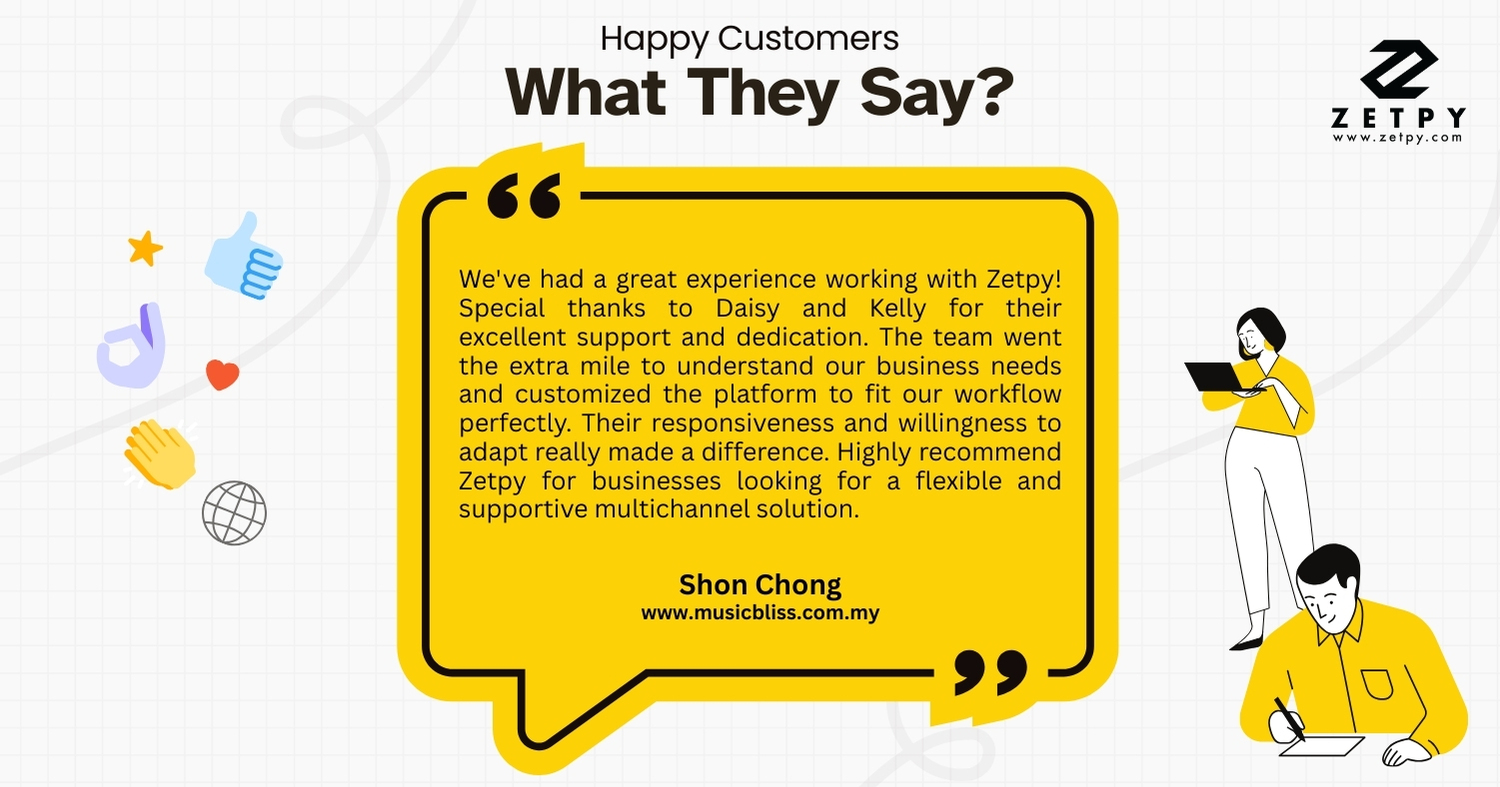
We’re so grateful to receive this amazing feedback from Shon Chong 💙


“We’ve had a great experience working with Zetpy! Special thanks to Daisy and Kelly for their excellent support and dedication. The team went the extra mile to understand our business needs and customized the platform to fit our workflow perfectly. Their responsiveness and willingness to adapt really made a difference. Highly recommend Zetpy for businesses looking for a flexible and supportive multichannel solution.”
At Zetpy, we are committed to being more than just a tool – we’re a partner who listens, adapts, and supports your business journey.
👉 Ready to experience Zetpy for yourself? Book a Demo now: https://zetpy.youcanbook.me

Should you have any questions, please feel free to contact our customer support team 

Zetpy Scheduled Maintenance for upcoming 9/9 Sales

🚧 Scheduled Server Maintenance for 9.9 Sales 🚧

Dear Valued Users,

We will be performing scheduled server maintenance in preparation for the upcoming 9.9 sales to ensure the stability and performance of our services. Please take note of the following details:


🛠️ Maintenance Schedule

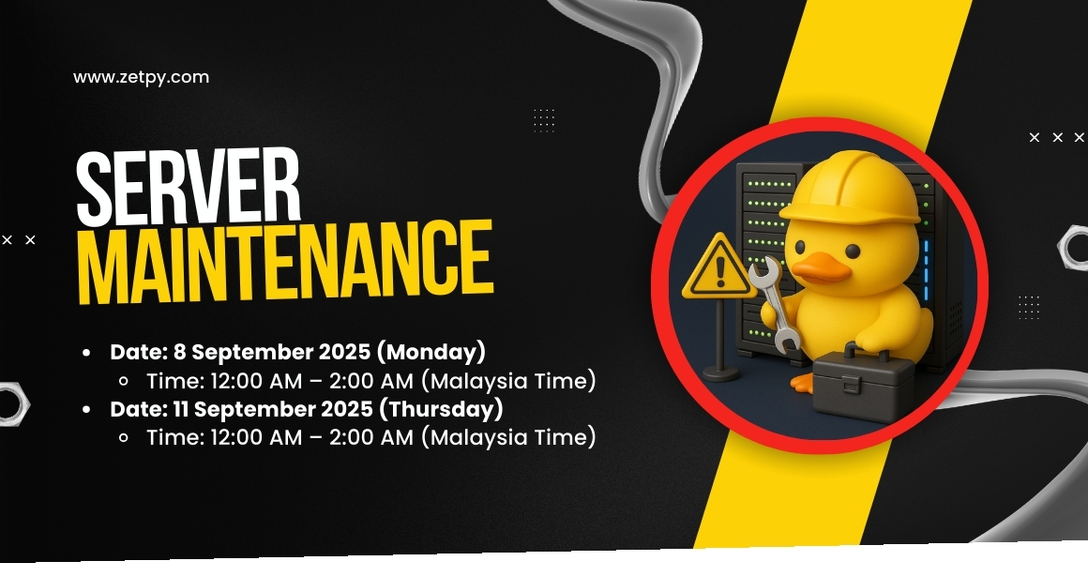
  • Date: 8 September 2025 (Monday)
    Time: 12:00 AM – 2:00 AM (Malaysia Time)

  • Date: 11 September 2025 (Thursday)
    Time: 12:00 AM – 2:00 AM (Malaysia Time)


🎯 Purpose of Maintenance

  • Immediate resolution of critical issues affecting service performance.

  • Essential updates to enhance security and platform stability.


⚠️ During the Maintenance

  • Temporary service unavailability may occur.

  • Please avoid editing product details or updating stock starting from 8:00 PM on 7 September and 10 September 2025 until the maintenance period ends.

  • Save any ongoing work before the scheduled downtime.


For updates or further assistance, please contact our support team at support@zetpy.com.

We appreciate your understanding and cooperation in ensuring a smooth experience for the 9.9 sales. 💙

Faster, Easier: Self-Service Product Reimport is Now Available in Zetpy

✨ Faster, Easier: Self Product Reimport Function is Now Available in Zetpy

Running an online business means product details can change often – whether it’s updating SKUs, adding new variants, or cleaning up listings. In the past, if you needed to reimport product data from TikTok Shop, Shopee, Lazada, WooCommerce or Shopify,  you had to contact the Zetpy Support Team to help with that specific listing, or conduct a mass import.

That process worked, but it wasn’t always the fastest.

Now, things just got a whole lot easier. 🚀


✅ What’s New?

With our latest improvement, you can now import a single listing or reimport a specific product listings after amending in your Seller Center – without needing support assistance.

This means:

– No more waiting for the Support Team to handle your reimport requests.

– No more delays in updating specific listings or doing bulk reimports.

– You’re in full control – make changes and sync instantly.


📌 When Do You Need to Reimport?

Reimporting is useful whenever:

– You’ve added new variants in your Seller Center/Online Store (e.g., a new color or size).

– You’ve edited variant details, like SKUs in your Seller Center/Online Store.

– You’ve removed variants from your marketplace listing.

– You’ve created new products directly on your marketplace or store, without Zetpy.


🙌 Why This Matters

Previously, every reimport request meant conducting a mass import or contacting our Support Team. While we were always happy to help, it slowed down your workflow – especially if you needed quick changes to stay in sync across multiple channels.

Now, with self-service reimport, you can:

– Save time with instant updates.

– Keep product data accurate across channels.

– Reduce overselling and errors without waiting on support.

Our Customer Success Team is still here for you 💙 — but now you won’t need us for every reimport or mass update.


🚀 Get Started

Try it out today → follow this guide:
👉 How to Reimport Product From Marketplaces and Online Store to Zetpy


This new improvement is all about empowering you to work faster and smarter. By letting you manage reimports directly, Zetpy helps you keep selling without delays.

Stay tuned – more improvements are coming to make multichannel selling even smoother.

Should you have any questions, please feel free to contact our customer support team 

Easily Fix Lazada Variation Name with Zetpy

Easily Fix Lazada Variation Attributes with Zetpy

Managing product variations on Lazada just got easier! Lazada has recently enhanced how sellers can handle variation attributes on their platform via API, and Zetpy has updated our Lazada Plugin to fully support this improvement. 🚀

🔎 The Challenge Before

Previously, once you added variation attributes into Lazada, you weren’t able to edit them afterwards. This caused error if attributes didn’t match exactly between your Zetpy Lazada Plugin and Lazada Seller Center.

   – Example: In some category, you might be using “Color” in Zetpy, while Lazada requires “Color Family”.

   – In those cases, an error would appear, and the only solution was to restart the listing process.

✅ The New Improvement

With this new Zetpy’s Lazada plugin enhancement – you now have the flexibility to edit variation attributes after saving or during the adding process.

That means if you encounter the error mentioned above, you can quickly adjust the attribute with the Dropdown list (example, change “Color” to “Color Family”) without having to start over.

💡 What This Means for You

This improvement gives sellers:

  • More flexibility → fix variation attributes anytime

  • Less hassle → no need to delete and re-add products

  • Faster syncing → smoother, error-free product listings on Lazada

What’s Next:

Try it out if you encountered the error mentioned in Lazada plugin today! Should you encounter further issue, feel free to contact us at support@zetpy.com

At Zetpy, we continuously update our integrations to keep up with platform changes, so you can focus on selling while we handle the technical details.

Boost Your Sales with TikTok Shop Sales Accelerator

📈 TikTok Shop’s New Sales Accelerator – How Zetpy Sellers Can Use It to Increase Sales

TikTok Shop has rolled out a powerful tool in Seller Center called Sales Accelerator. It is designed to help sellers records and analyze their  high-potential products and provide insights and suggest the next actions to increase their orders.

If you’re a Zetpy user selling on TikTok Shop, this is a golden opportunity to combine Zetpy’s automation with TikTok’s sales growth recommendations to boost your performance.


🚪 How to Access It

In TikTok Shop Seller Center, go to:
Products > Sales Accelerator

You’ll see:

– Top Recommended Tasks – for your most promising products.

– Qualified Products list – items that can be boosted with targeted actions.

– Performance Tracking – see the results after completing tasks.487f8643ca024622a280f828007da29a~tplv-nk3i2mqmvs-image.png


🔥 Why It’s a Big Deal for TikTok Sellers

– Prioritises high-potential products so you focus on what matters.

– Actionable tasks instead of guesswork.

– Data-backed results so you can see the direct impact.


🎯 Key Features of TikTok’s Sales Accelerator

1. Top Recommended Task

Pinpoints products with strong sales potential and suggests actions like Flash Sales or short product videos.

2. Qualified Products

Products must meet these requirements:

– At least 5 units in stock.

– Minimum 3 images.

– Fewer than 50 orders.

– Not unsold for over 180 days.

3. Order Milestones with Tailored Tasks

Orders TikTok’s Suggested Growth Actions
0 orders Launch Flash Sales or New Arrival Discounts to attract first buyers.
1 to 4 orders Build trust with short videos & reviews.
5 to 9 orders Collect more reviews, and reach out to customers.
10 to 50 orders Scale further with LIVE streaming, ads, and extra video content.

📊 How to Take Action and Measure Impact

  1. Click View Task for the product you want to grow.

  2. Complete the suggested action (e.g., set up a discount, upload a video).

  3. Check results via Check Data – see changes in orders, page views, and GMV.


💡 Zetpy’s Recommendation

For Zetpy sellers on TikTok Shop:

– Keep your inventory synced across channels via Zetpy to avoid stock-outs.

Use TikTok’s Sales Accelerator tasks to actively grow your best products.

Focus first on products with 1 to 9 orders for faster wins before scaling others.

With Zetpy automation handling stock, orders, and product updates, you’ll have more time to follow TikTok’s action plan and push your store to the next level.

Want to know more on how we can help you? Book a Demo to find our more now!

Read more on TikTok Shop Seller Accelerator here.

Zetpy Bulk Update Tool Supports Shopee, Lazada & TikTok Shop – Stay Compliant with CPETTR 2024

The Consumer Protection (Electronic Trade Transactions) Regulations 2024 (CPETTR 2024) by the Ministry of Domestic Trade and Cost of Living (KPDN) aims to strengthen online consumer protection. It applies to all online sellers in Malaysia, including those on Shopee, Lazada, TikTok Shop, and more.

Originally set for enforcement on 24 June 2025, CPETTR requires:

  • ✅ Disclosure of seller information

  • Product titles and descriptions in Bahasa Melayu

  • ✅ Submission of valid product certifications


[Update] Malay Language Requirement Temporarily Paused

As of 23 June 2025, KPDN has paused the enforcement of the Bahasa Melayu requirement for product listings across all e-commerce platforms.

According to Malay Mail, the ministry will now:

– Gather feedback from platform operators and sellers

– Reevaluate how the policy should be implemented

– Announce a revised timeline after consultations


Zetpy still encourages all sellers to begin preparations early while awaiting the next announcement.


Introducing Zetpy’s Bulk Update Tool – Now Live for Shopee, Lazada & TikTok Shop!

To help sellers stay compliant efficiently, Zetpy has rolled out a Bulk Update Tool that lets you quickly edit product titles and descriptions in Bahasa Melayu across multiple platforms. You may refer to the guide below on how to ultilize them in repective platforms.

Tiktok Shop

Shopee

Lazada

Why You Should Still Act Now

Even with the BM listing requirement on hold, it’s wise to prepare early:

– Be ready once enforcement resumes

– Save time by completing bulk updates now

– Avoid last-minute rush or non-compliance risks

Zetpy’s Bulk Update Tool is the fastest way to manage large inventories across multiple platforms.


What You Can Do Now

  1. Export your listings from Shopee, Lazada, and TikTok Shop via Zetpy

  2. Fill in the product name and details fields while the update window is flexible

  3. Stay tuned for further announcements from KPDN


Zetpy – Focus on selling, we’ll help with the compliance bit..

If you need assistance or want to learn how to use the Bulk Update tool, feel free to contact us via email at support@zetpy.com

Zetpy’s Nov 2024 eNewsletter – Soft launching Zetpy Multichat

Hello everyone, we’re thrilled to bring you the Zetpy’s Monthly Newsletter – where we share the latest Retail and eCommerce Market Trends, Zetpy’s Product Improvement, Zetpy’s New Features, Coming events or webinar etc. Our goal is to help you get the most values from what Zetpy has to offer, while keeping you informed, inspired, and in-tune with the fast-paced world of Retail and eCommerce.


Zetpy Multichat: Soft launching in December 2024🚀

Managing messages across multiple platforms is about to get simpler with Zetpy Multichat!

💡 What to Expect:

Centralized Messaging: Save time and boost productivity by managing all messages in one place.
Streamlined Interactions: Connect with customers across Shopee, Lazada, TikTok, WhatsApp, and Messenger seamlessly.
Real-Time Alerts: Never miss a message with unread alerts and message counts.
Enhanced Communication: Improve customer engagement with an all-in-one solution.
Effortless Integration: Easily integrates with your existing Zetpy setup for a smooth experience.

🎁 Early Bird Special:
Be the first to sign up Zetpy Multichat! Register your interest now and unlock an exclusive early bird offer!

👉 Click here to register now!


Important Update on AWB + Packing List for MY-SG Direct Shop / SIP Programme Orders

For Malaysia Shopee Sellers, who participated in MY-SG Direct Shop or Shopee International Platform Programme (SIP), this changes mean you are only allowed to print the Original Shopee AWB for orders coming from Singapore that utilize below shipping channels.

• 5-Day Delivery

• 5-Day Delivery (SPX)

• Shopee Collection Point (Overseas)

• Doorstep Delivery (Overseas)

Thus you will be unable to use Zetpy’s “Print AWB + Packing List” for the Singapore Orders. However, you still can print the AWB (without Packing List) inside Zetpy to fulfill the orders. 🙂

For more info, please refer on Shopee’s article.


Latest UI / UX Enhancements to Better Your Zetpy Experience

We have improved our UI / UX for Image Upload and Category Page. It is designed to give our users a better way for creating and syncing your product in Zetpy.

On top, we have added a new order status – “Delivered”, to assist user to better tracking their order statuses in Zetpy, and also improve the accuracy of report like Order Income.

List of Improvements we rolled out to customers

  • [Bundle] Fixed bundle price calculation – use 2 decimal places
  • [Shopee][Lazada][TikTok][Zalora][PG Mall] UI improvement on Select Account, Select Category and Search result
  • [Shopee] Fixed product price still displaying the old value when status change to Error after update price
  • [Lazada] Fixed Lazada resync button
  • [Core][Plugins] Fixed stock unable to update to plugin and unable to upload variation & main images
  • [Lazada] Fixed showing duplicate image on Lazada after click resync & disable resync button while sync is still in progress
  • [Shopee] Fixed order amount in Zetpy not tally with Shopee – items with Shopee bundle deal
  • [Shopee] Add ‘sync address’ function to pull the latest shipping address from Shopee
  • [Order] Added configuration of which items to display on AWB + Packing list in Order Setting
  • [Dashboard] Changed UI on authorization expiry notification
  • [Woocommerce] Fixed stock updated to Woocommerce is taking Available Stock instead of Current Stock
  • [Shopify] Fixed order mapped to Canceled when order in Shopify is canceled but not refunded
  • [Lazada] Fixed thumbnail image did not change when main image was edited
  • [Shopee] Fixed duplicate all products function from store A to B – added checking of existing products


What our customer say about us?


Industry’s News


Zetpy at Xero Asia Roadshow 2024


Zetpians were busy engaging with Accounting Professionals on how Zetpy Xero integration could help their customers automate Inventory Sync and Invoice Creation.