Selling Product Sets? Keep Your Inventory Connected with Zetpy Bundles
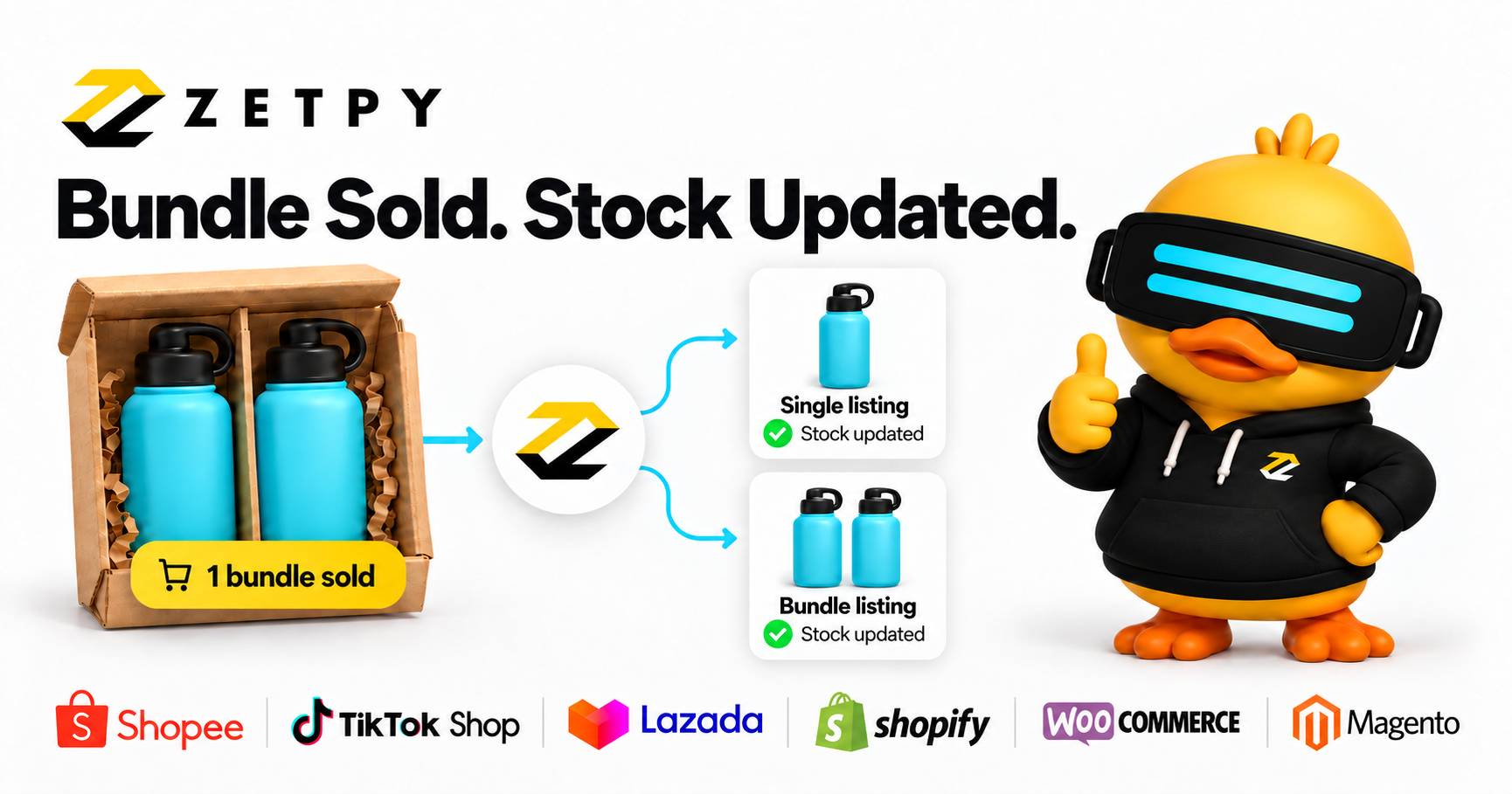
Selling a shampoo and conditioner set, a bundle of 3, or a “buy 12, get 1 free” offer? Each combination draws from the same inventory you may also sell individually.
Zetpy Product Bundles connect these offers to the items inside them, helping your team keep stock updated with less manual work.
What are Zetpy Product Bundles?
Zetpy Product Bundles link a set to existing product SKUs and their required quantities. When a bundle sells, Zetpy automatically deducts stock from its component items. A SKU is the product code used to identify an item.
Available bundle stock is limited by the quantities of those items. This helps your team manage sets using the products inside them. See the Zetpy Product Bundle guide.
How do you calculate available bundle stock?
Count how many complete sets you can make from every item in the bundle.
Imagine a coffee gift set containing:
- One mug.
- Two coffee packs.
Your available inventory looks like this:
| Item | Available stock | Quantity per set | Complete sets supported |
|---|---|---|---|
| Mug | 10 | 1 | 10 |
| Coffee pack | 12 | 2 | 6 |
You have enough products for six complete gift sets. The coffee packs determine the limit, even though you have extra mugs.
The calculation is:
Maximum complete sets = the lowest whole-number result of available item stock ÷ quantity needed per set.
This distinction matters when planning a promotion. Ten mugs do not mean ten gift sets are ready to sell.
Suitable for sets, bundles of 3 and buy 12, get 1 free offers
Zetpy Product Bundles can suit different ways of selling products together. The key is to include every unit the customer receives in the bundle contents.
Product sets: combine different items
Create a set with complementary products, such as one shampoo and one conditioner. Each set contains one unit of each item, so your stock planning needs to account for both.
Bundles of 3: sell more of the same item together
For a three-pack of the same coffee, include three units of that product SKU in the bundle. One bundle sale uses three coffee packs. With 30 packs available, you have enough stock for 10 complete bundles.
Buy 12, get 1 free: count all 13 units
For an offer where customers receive 13 units of the same product for the price of 12, configure the bundle contents to include 13 units. The free unit still uses stock. With 130 units available, you have enough for 10 complete bundles.
If the free gift is a different product, include its SKU and quantity too. Clearly state the paid items, free item and total quantity in the listing. Set and check the bundle price to reflect the offer.
These examples refer to selling a configured bundle listing. Setting up a bundle does not create a marketplace-native promotion.
Which products should you bundle together?
Start with products that serve a clear customer need.
For example:
- Gift packs: A mug paired with coffee.
- Starter kits: A notebook, pen and pencil case.
- Routine essentials: Shampoo paired with conditioner.
- Refill sets: A reusable container paired with refills.
A useful bundle should be easy to understand. Customers should quickly see what they receive, how many units are included and why the combination makes sense.
Before choosing a set, ask your team:
- Do customers have a clear reason to buy these items together?
- Can we maintain enough stock of every item?
- Does the selling price cover the products, packaging and handling?
- Can our packing team identify the contents easily?
Start with one combination that is simple to sell and fulfil.
How to create a Product Bundle in Zetpy
- Open Products > Bundle Products > Add Bundle Product.
- Enter the bundle details and a dedicated bundle SKU.
- Add the existing item SKUs and quantities.
- Review pricing, package details and images, then save.
Follow the illustrated setup instructions when configuring your bundle.
Before listing it, prepare a clear product description. For example:
Coffee Gift Set
Includes one ceramic mug and two 250g coffee packs.
Specific descriptions help customers understand the offer and give your packing team a clear reference.
What happens when you restock bundle items?
To automatically increase bundle stock after updating component stock, enable Auto Increment By Maximum Child Stock under Bundle Page > Setting.
“Child stock” refers to the individual items inside the bundle. See Zetpy’s restocking instructions.
Include this setting in your setup checks so your team understands how replenishment affects bundle availability.
What should you check before launching a bundle?
A connected stock setup is one part of a successful product set. Your listing and packing process also need attention.
Use this checklist before launch:
- Contents: State every item and quantity.
- Photos: Show exactly what customers receive.
- Price: Check the final selling price on the customer-facing listing.
- Packaging: Allow enough space and protection for all items.
- Packing instructions: Make the set easy to assemble consistently.
- Stock balance: Watch the item most likely to limit available sets.
For seasonal gift packs, plan replenishment around the limiting item. Buying more packaging will not help if the product inside it has run out.
Frequently asked questions about product bundle inventory
Can I sell the same products individually and in a set?
Yes. Zetpy bundles use existing products, allowing those items to form part of a set while also being sold individually.
Are Zetpy bundles the same as marketplace bundle promotions?
No. Zetpy’s bundle feature is separate from marketplace-native bundle promotions.
How do bundle orders sync to accounting or POS?
The component items sync to accounting or POS, rather than the bundle product itself. These distinctions are explained in the official bundle guide.
Does a product bundle need a discount?
A set can offer value through convenience, thoughtful product selection or gift-ready presentation. Choose a price that makes sense for your customers and your margins.
Make your next product set easier to manage
A good bundle starts with a useful combination and a clear understanding of the stock behind it.
Choose your products, define the quantities and make sure your team knows how to list, replenish and pack the set.
Ready to simplify stock management for your sets and bundles? Book a demo to see how Zetpy Product Bundles can work for your business.